Share
Share Description
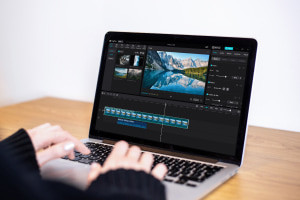
This tutorial is all about thoroughly learning CapCut. This tutorial talks about how you can make the video editing process more efficient with the CapCut software. It starts by explaining how to create a new project in CapCut PC and later teaches the ways to add sound effects and stickers in the video using the software. This tutorial aims to provide you with a brief overview of the necessary features of CapCut and explain the important export settings.
Topics Covered:
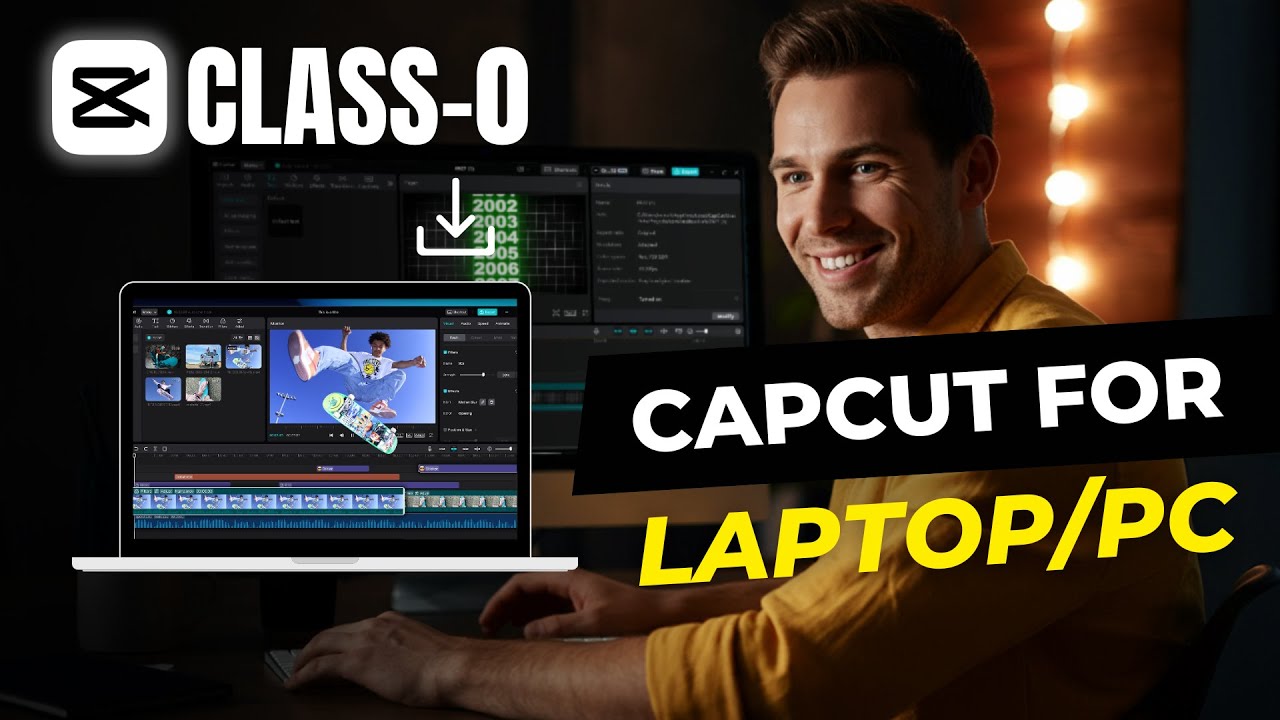
- Introduction: Get introduced to the video editing software of CapCut and learn how to download this application.
- Create And Read Data: See how you can import a few media files from your PC to the CapCut software and get started.
- User Registration: Learn how to register in CapCut and go through all CapCut Settings after the process of user registration.
- Image/Video Upload: See how you can upload images and videos in CapCut and start accessing its tools.
- Videos, Reels And Shorts: See how you can convert videos into reels and shorts by trimming and splitting them using tools and features in CapCut.
- And Many More Topics..
Who Will Benefit?
- Video Editors: All those who want to learn CapCut from scratch and understand its tools and necessary features.
- Content Creators: Individuals who want to learn how to convert videos into impressive reels and shorts for multiple social media platforms.
- Hobbyists: All those who have a passion for video editing and want to learn how to quickly produce videos and edit them.
Why Choose This Course?
As you watch this tutorial, you will learn what CapCut video editing software has to offer. This tutorial benefits you by teaching how to convert the videos into reels and shorts and impressive techniques to add sound effects. You will also learn how to write text and captions in CapCut and add necessary background music. By the end of this tutorial, you will have hands-on experience while using CapCut and learn video editing thoroughly.